Work as a team
Answer from an email, Slack or Teams
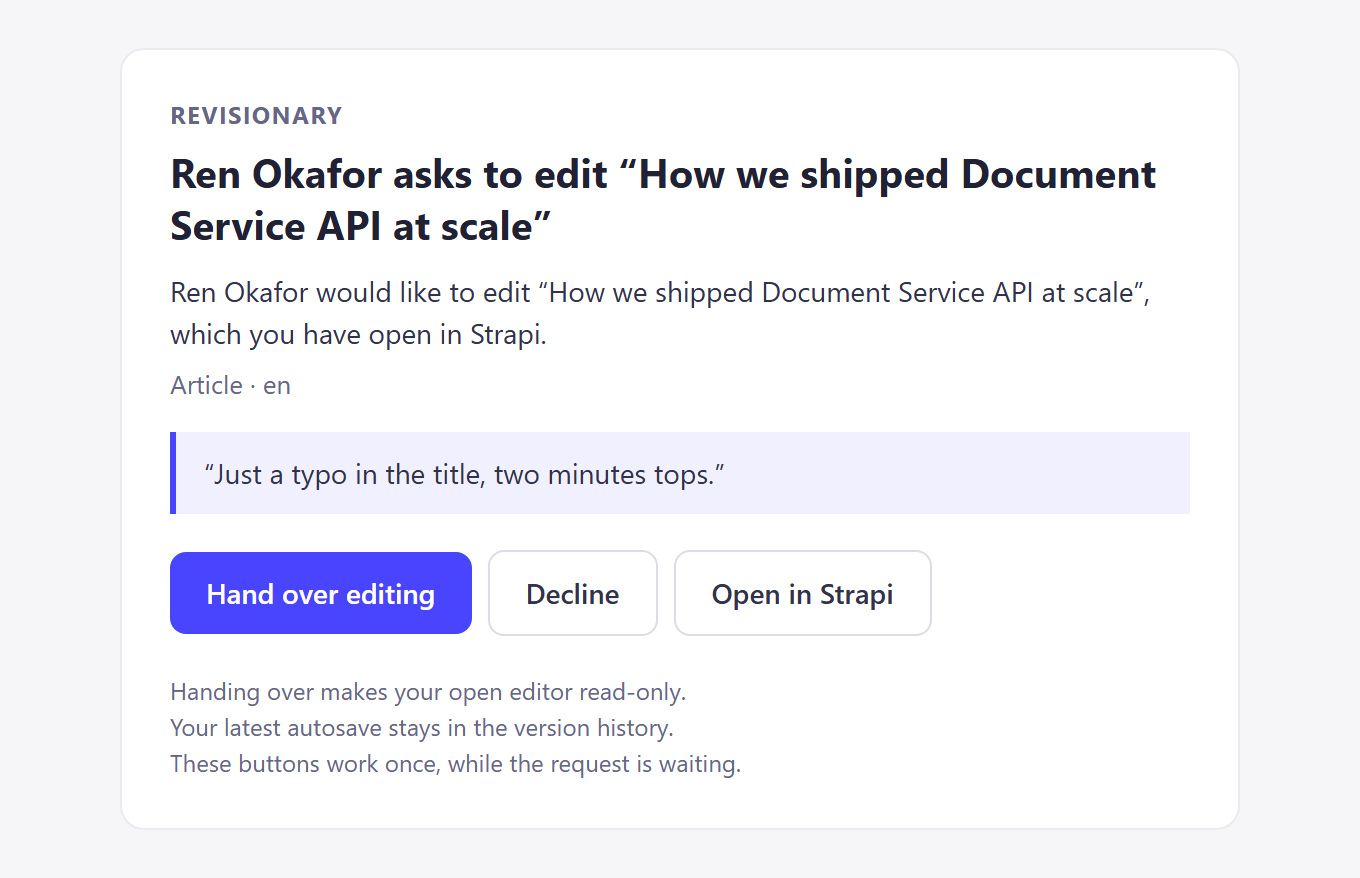
If the person editing does not answer in Strapi, Revisionary tells them elsewhere, with buttons to hand over or decline. Nobody has to be at their desk.

How it works
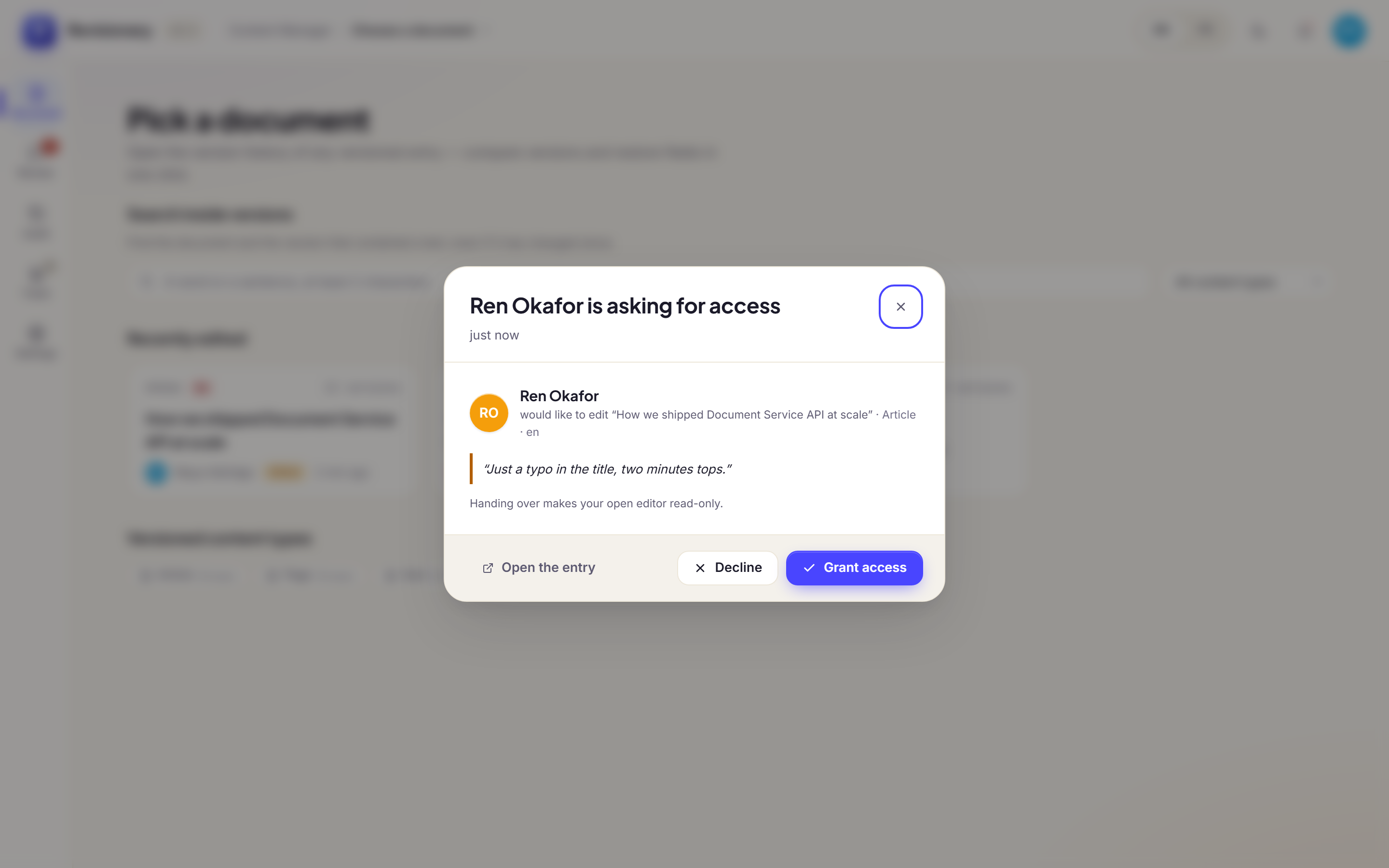
- The request shows up in Strapi first. If it is still waiting after the delay you set (from right away to 5 minutes), the notifications go out.
- Email and Slack direct messages carry one-time buttons. They open a short confirmation page that needs no Strapi session. The link works once, for 24 hours at most, and stops working as soon as the request is answered anywhere.
- Slack and Teams channels are shared, so their buttons open Strapi instead. Only the person editing can answer there.
Set it up
In Revisionary → Settings → Collaboration → Notifications, choose the channels and the delay, then click Send me a test.
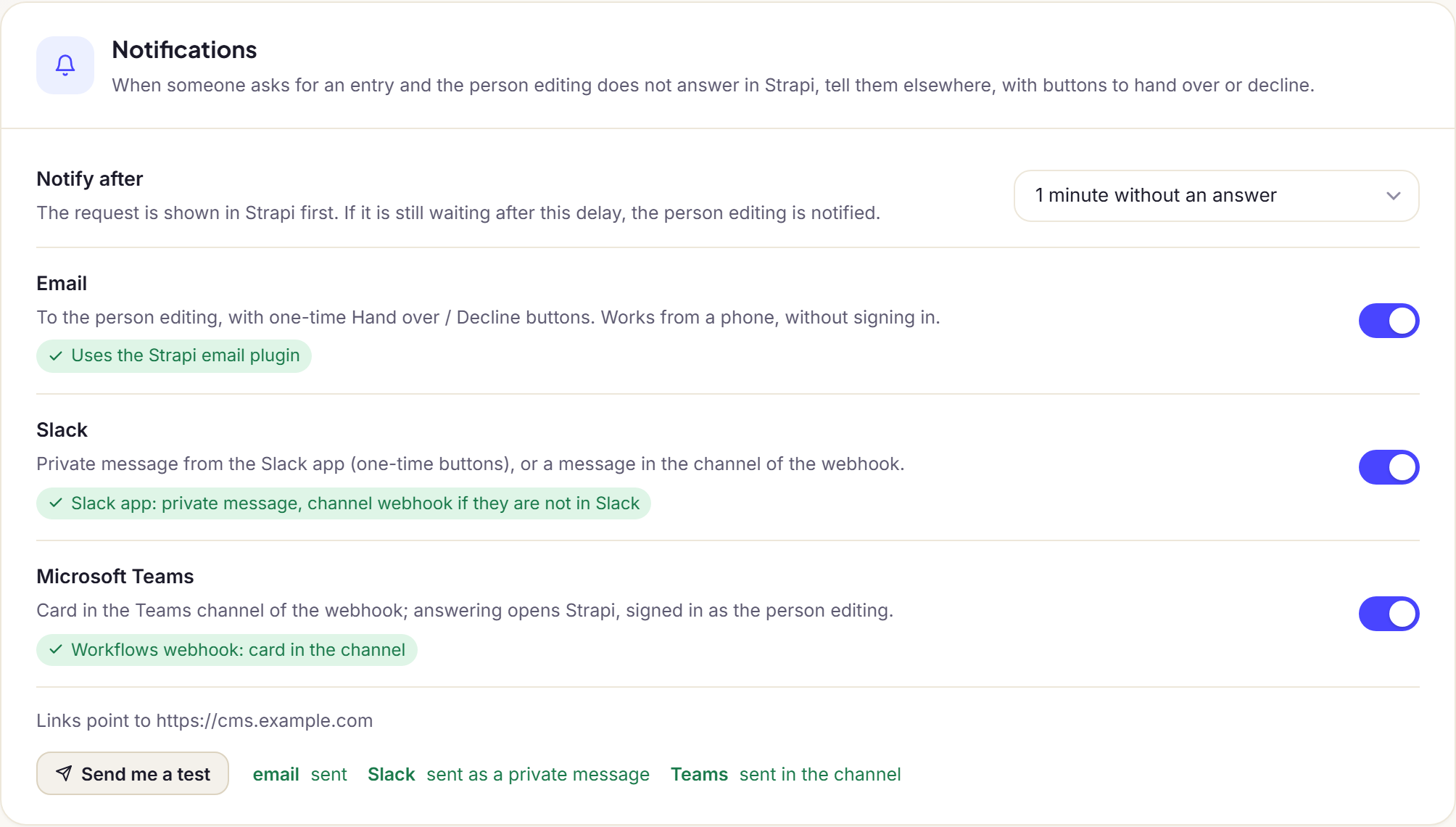
| Channel | What to set |
|---|---|
The Strapi email plugin with a provider (SMTP, SendGrid, Mailgun…). Optionally notifications.email.from in the plugin config. | |
| Slack, private message | REVISIONARY_SLACK_BOT_TOKEN: the token (xoxb-…) of a Slack app with the chat:write and users:read.email scopes. Revisionary finds each person by their email address. |
| Slack, channel | REVISIONARY_SLACK_WEBHOOK_URL: an incoming webhook. Also used when someone has no Slack account. |
| Microsoft Teams | REVISIONARY_TEAMS_WEBHOOK_URL: a Workflows webhook, created with “Post to a channel when a webhook request is received”. |
| Links | REVISIONARY_PUBLIC_URL: the public address of Strapi. By default, the url of config/server.ts. |
Was this page helpful?
Updated 1 November 2026