Everyday use
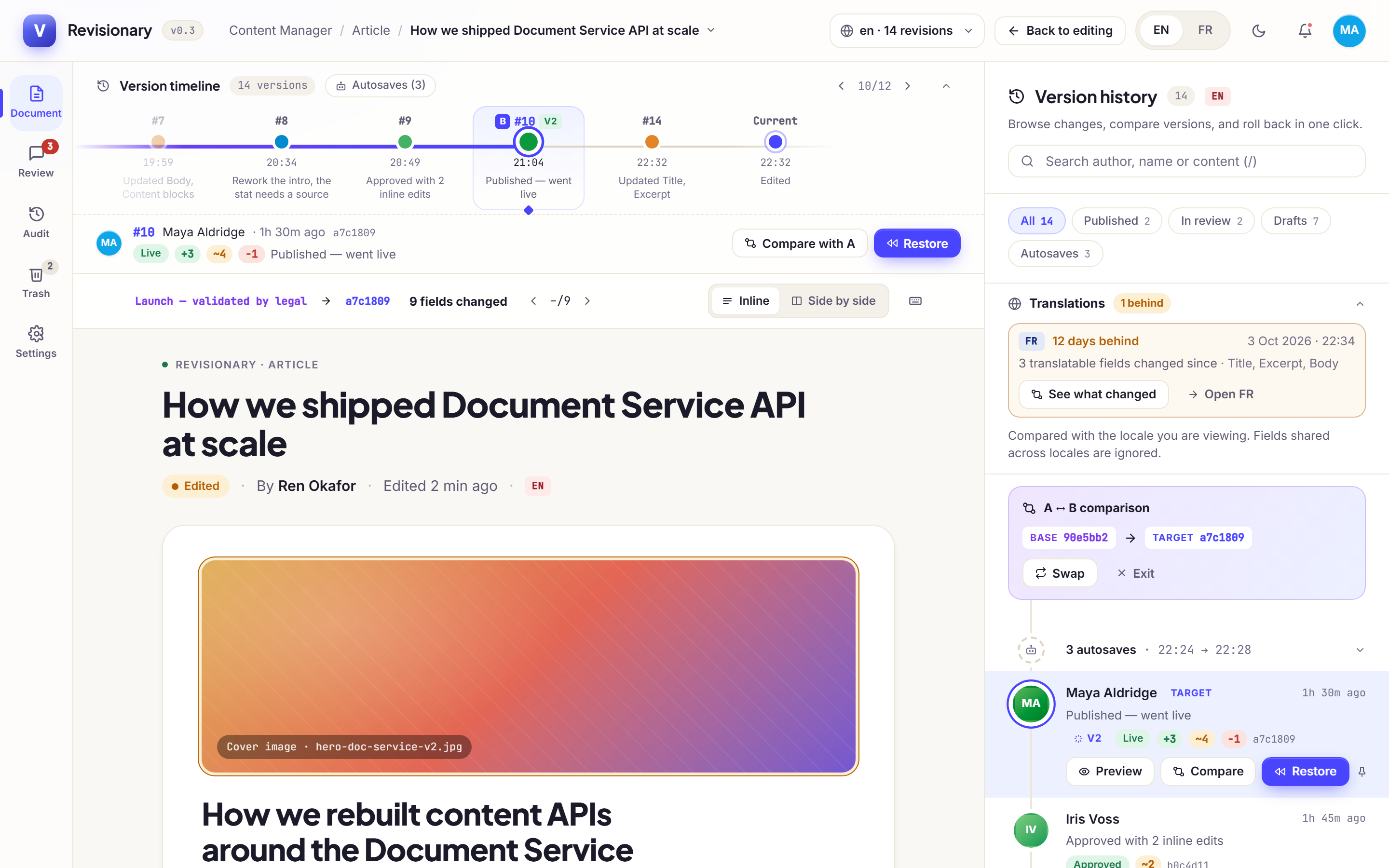
Compare two versions
By default, a version is compared with the current entry. To compare two past versions:
- Hover the first version and click Compare. It becomes the base.
- Click the second version. It becomes the target.
Was this page helpful?
Updated 1 November 2026