Everyday use
Restore a version
Select a version and click Restore, or press R on a version. Revisionary lists the fields that differ from the current entry.
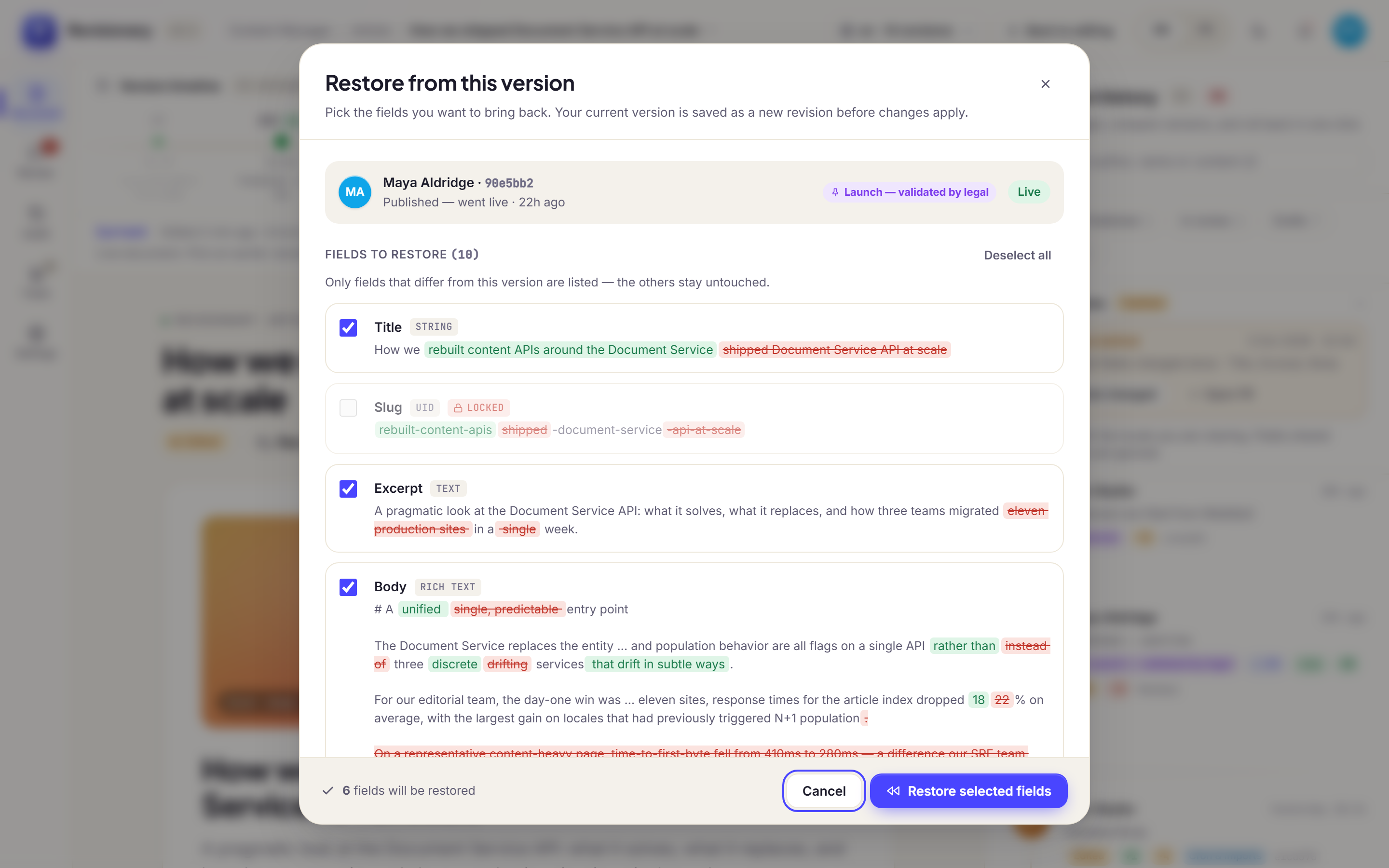
- Only the ticked fields change. Everything else stays as it is now.
- A restore is a new version. The history continues; nothing is erased.
- Restore applies to the locale you are viewing. Other translations are left alone.
Undo
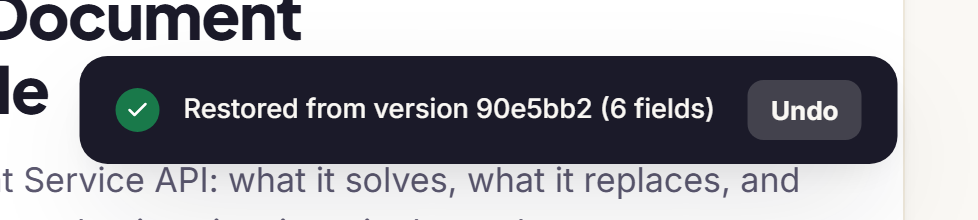
Right after a restore, a message offers to undo it. The undo stays available for 10 minutes by default.
Was this page helpful?
Updated 1 November 2026