Settings
Retention and storage
Decide how long autosaves are kept. Before you save a shorter retention, Revisionary tells you how many versions it would remove and how much space it would free.
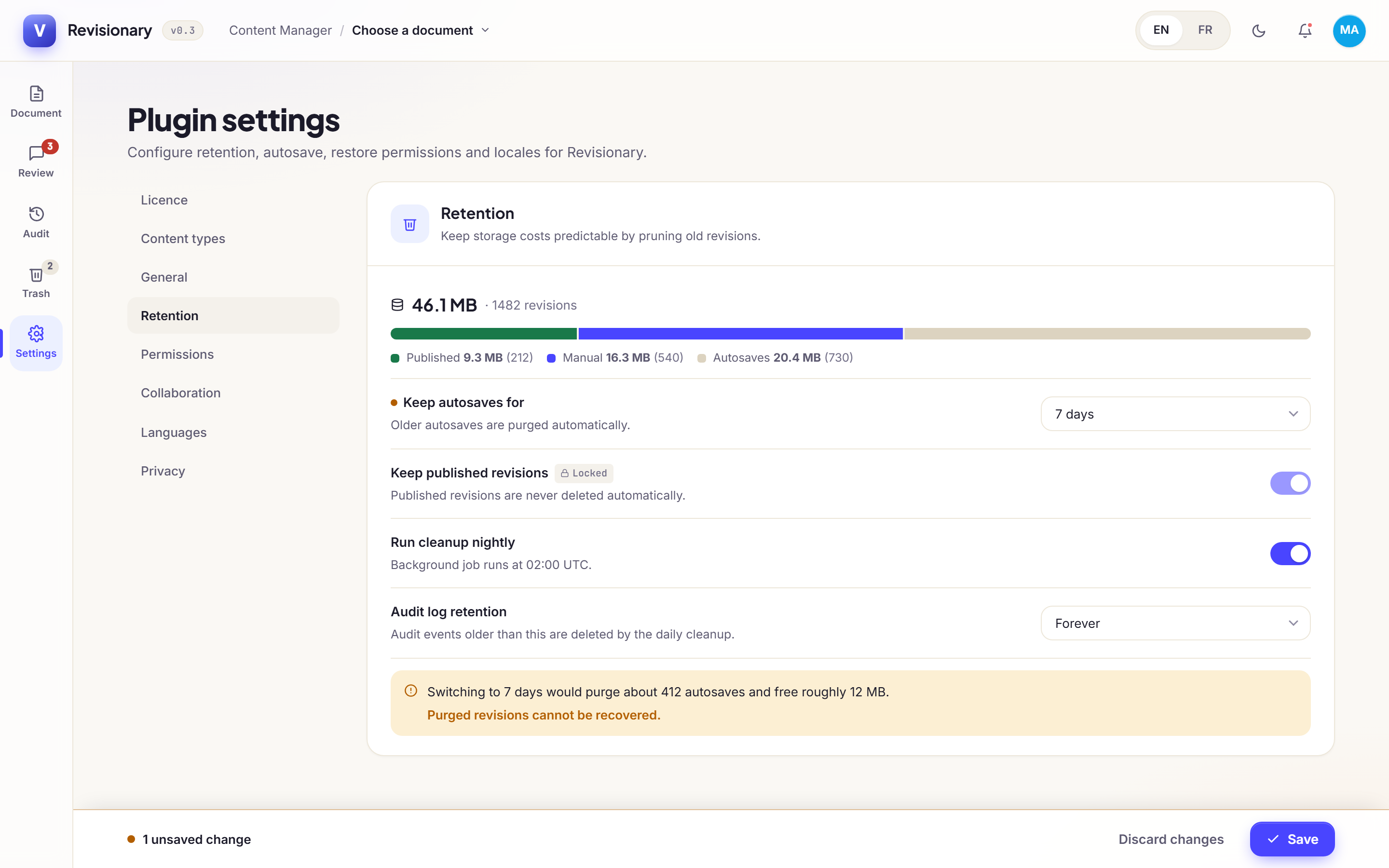
| Setting | Choices |
|---|---|
| Keep autosaves for | 7, 30 or 90 days, or forever |
| Keep published revisions | Always on: a published version is never removed |
| Run cleanup nightly | On or off. The cleanup runs at 02:00 UTC by default (cleanupHourUtc) |
| Audit log retention | 90, 180 or 365 days, or forever |
Each content type can override the autosave retention and cap its versions: see Choose what is versioned.
Was this page helpful?
Updated 1 November 2026