Everyday use
Compare images
When an image changed, Revisionary shows the old and the new one together. Three modes:
- Slider: drag the divider, or use the arrow keys.
- Fade: the new image fades in over the old one.
- Side by side: both images next to each other, with their file names.
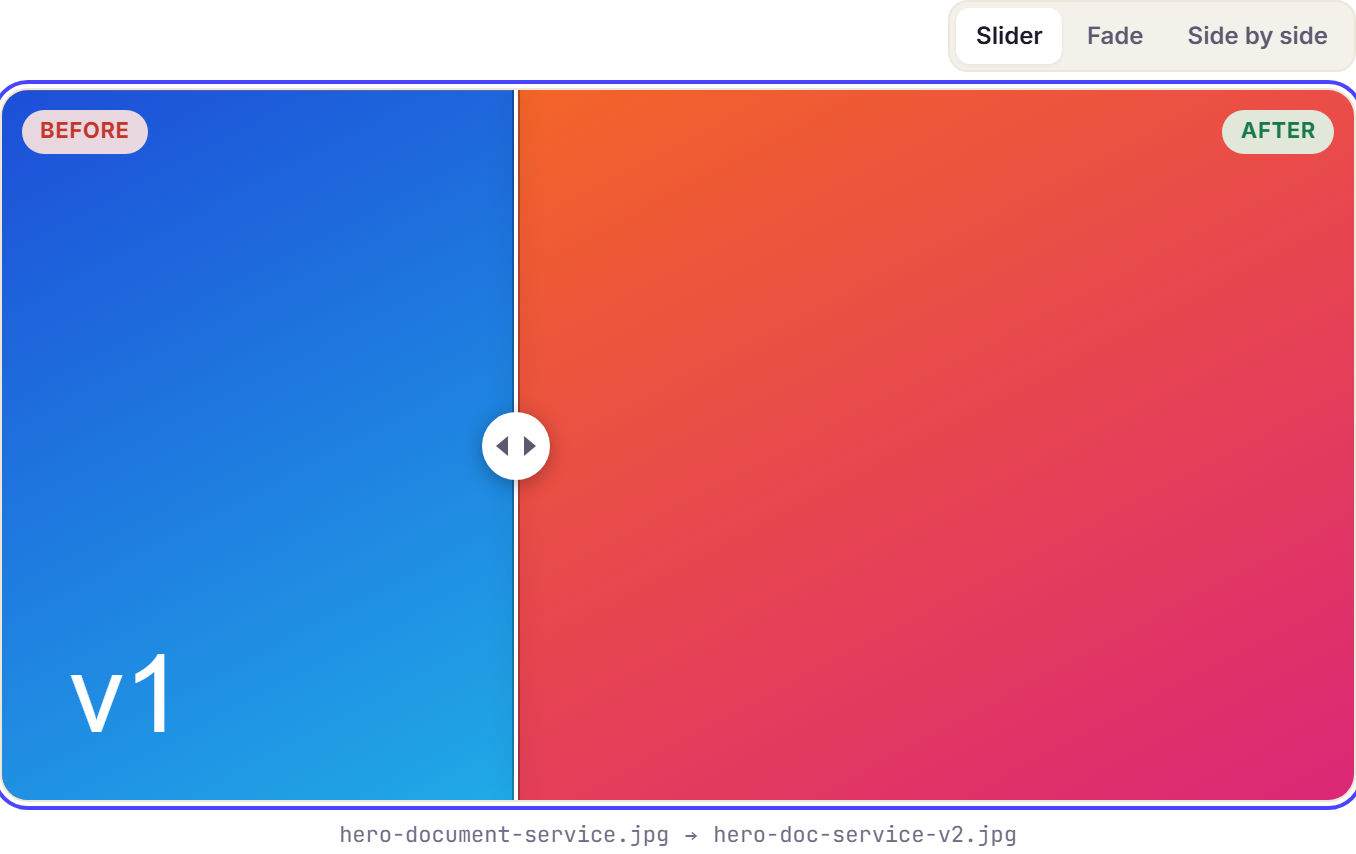
Revisionary remembers the mode you prefer.
Replace media in the Media Library is recorded too: every versioned entry using the file gets a version, and the comparison shows the old and the new picture side by side. Strapi overwrites the old file at the same address, so Revisionary keeps a copy of it first, through your upload provider, outside the Media Library (since 1.0.11; replacements made earlier only show the new picture). The copy is deleted once no older version needs it. Restoring an older version brings its picture back as a new file in the Media Library, linked to that entry only: the other entries using the replaced file keep the new picture (since 1.0.13).