Audit log for Strapi Community Edition
Record restores, publications, deletions, settings and permission changes in Strapi 5. Filter the log, open the version a row concerns, export to CSV.
When content changes unexpectedly, the first question is who did what, and when. Revisionary's audit log answers it on Strapi Community Edition.
What is recorded
Every sensitive action: restores, publications, deletions, settings changes, permission changes, edit locks and trash actions. Each nightly cleanup of old versions is recorded too.
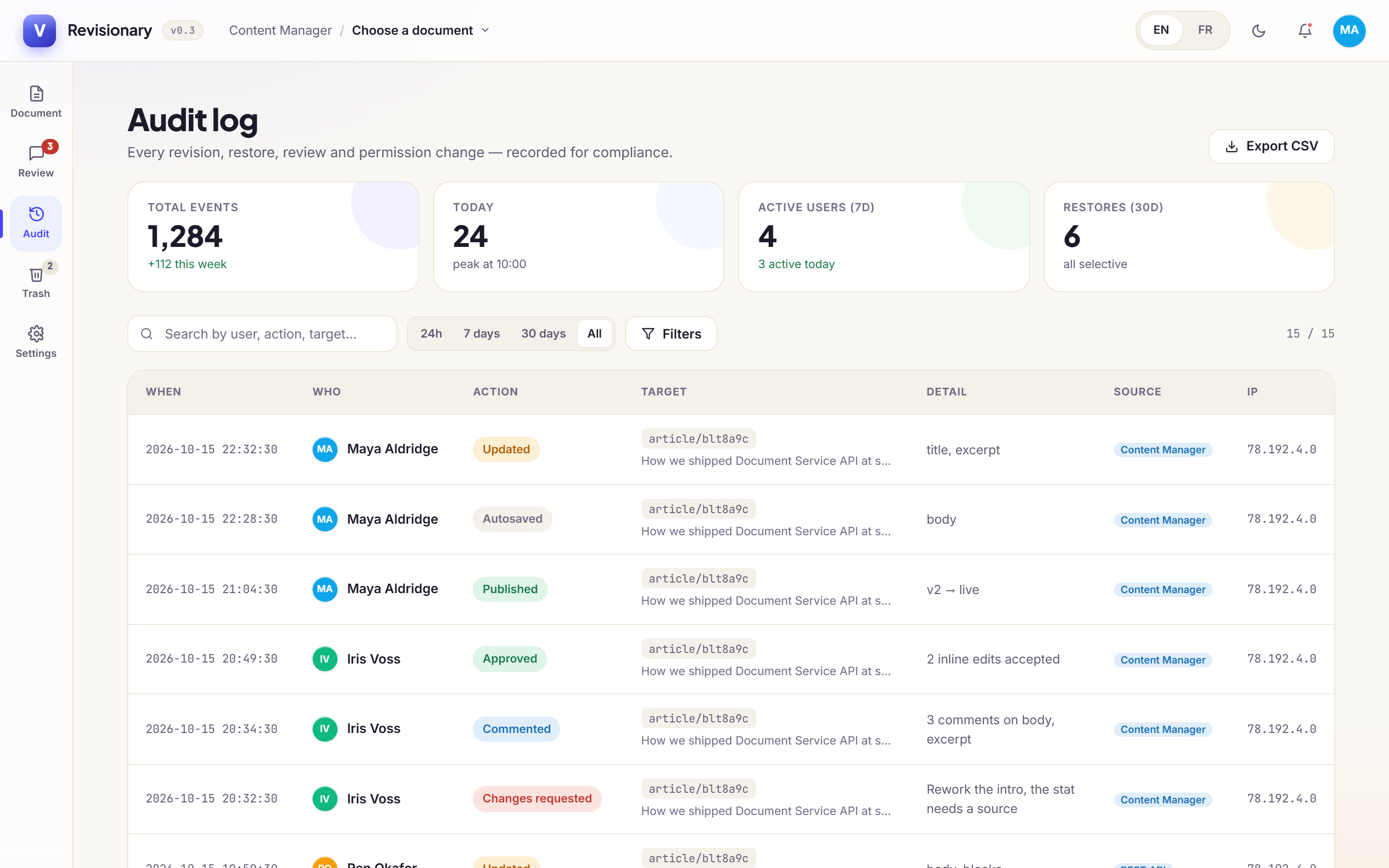
Find it, then open it
Filter by period or by action, or search. Click a row to open the version it concerns, with its differences.
Export to CSV
Export downloads the filtered log as a CSV file, for your compliance records.
Privacy and GDPR
Anonymize the IP addresses kept in the log. After an erasure request, an administrator calls one endpoint:
DELETE /revisionary/gdpr/user/:idThe person's name is removed from versions, comments and audit entries, which then read as System, and their IP addresses and browser details are erased. The content of the versions is kept, so the history stays complete.
How long the log is kept
90, 180 or 365 days, or forever.
Questions and answers
Does the audit log need a paid Strapi plan?
No. Revisionary’s audit log runs on Strapi 5 Community Edition.
Can I export the log?
Yes. Export downloads the filtered log as a CSV file.
How do I handle a GDPR erasure request?
An administrator calls DELETE /revisionary/gdpr/user/:id. The person’s name, IP addresses and browser details are removed; the content of the versions is kept.